
A CRM automation workflow is a set of rules that triggers actions (routing a lead, sending a nurture email, updating a stage) without manual intervention, and it is the fastest lever most revenue teams have for cutting response time and lifting conversion. We built this guide at Brainiac AI to walk you through the concepts, examples, implementation steps, and ROI math behind that lever.
TL;DR:
- Use clean, deduplicated records with unique identifiers, explicit ownership at every handoff, and shared field definitions across systems to prevent duplicate triggers and stalled leads.
- Start with one KPI and a narrow pilot; shadow test it, backtest scoring against last quarter’s closed deals, and compare results with a manual control.
- Benchmarks report a 38% conversion lift from nurture and scoring, rising to about 62% with AI intent signals; median ROI is $5.44 per dollar invested.
- Measure contact speed, qualified lead conversion, influenced pipeline, and cost per qualified lead, using cohort comparisons because last touch attribution can undercount nurture.
- Agentic AI reached 45% adoption among marketing teams in 2026; shadow test agents for a full cycle, with audited decisions, alerts, and a named owner.
Table of Contents
- What CRM automation workflows actually are
- Features and capabilities that separate reliable automation from brittle automation
- Practical CRM automation workflow examples you can adapt
- How to design, implement, and govern a CRM automation workflow
- Measuring success: the metrics and ROI signals that matter
- Agentic AI and where CRM automation is heading
- Build in-house or bring in a specialist?
- How Brainiac AI helps teams operationalize CRM automation
- FAQ
- Sources
What CRM automation workflows actually are
A workflow is built from four moving parts: a trigger (a form fill, a stage change, an email open), conditions that decide whether the trigger qualifies, an action the system takes (assign an owner, send a message, update a field), and a resulting state change that the next workflow can read. Think of it less as a single rule and more as a relay race: each workflow hands off a baton of data to the next one, and the handoff only works when both runners agree on what the baton looks like.
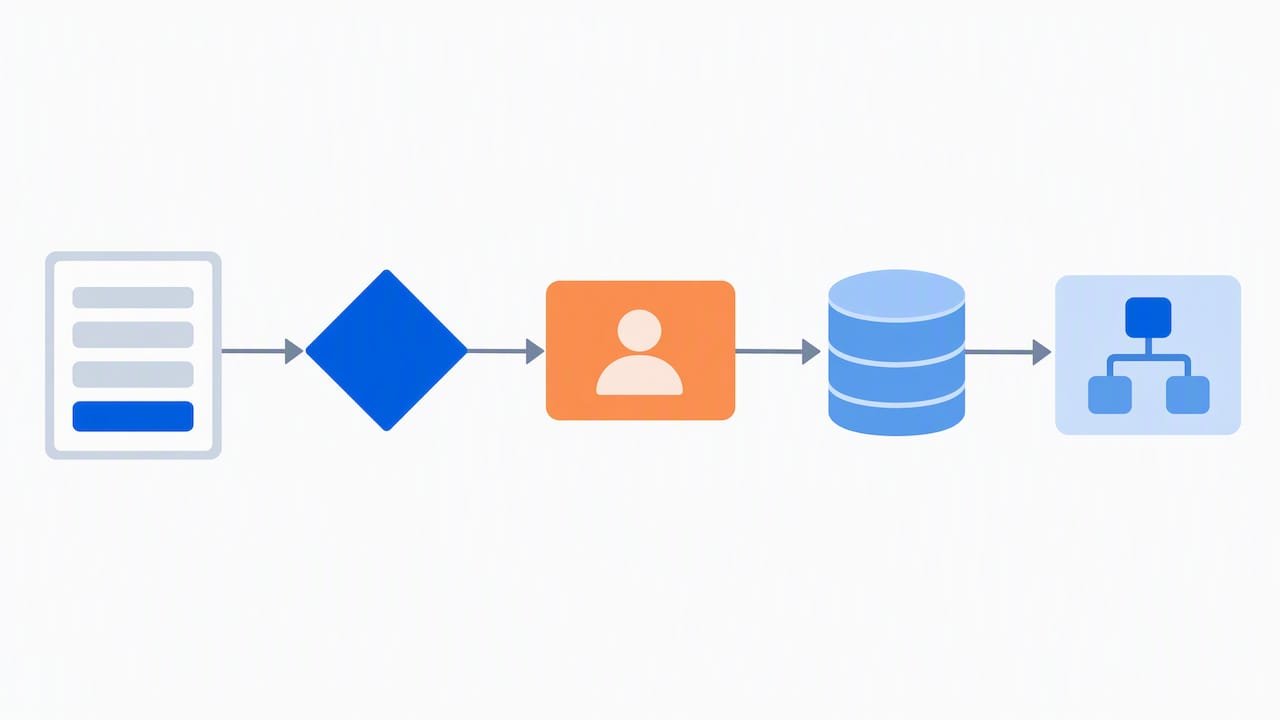
That agreement is the data contract: a shared definition of what a lead record, an opportunity stage, or a customer status means across every tool that touches it. Without it, a trigger fires on the wrong definition of “qualified” and the whole chain misfires.
Three practical requirements make workflows trustworthy rather than fragile:
- Clean, deduplicated records with a unique identifier, so a trigger never fires twice on the same person.
- Clear owner assignment logic at every handoff, so no lead sits untouched when a rule completes.
- Defined integration points, usually web forms, email platforms, a customer data platform, and webhooks that carry events between systems in near real time.
Customer lifetime value is worth naming here, because it is the metric many teams use to decide which segments deserve the heaviest automation investment: customer lifetime value tells you where the long-term revenue sits, and that, more than lead volume alone, should guide where you spend engineering time first.
Features and capabilities that separate reliable automation from brittle automation
Not every CRM automates the same way, and the gap between a workflow that scales and one that breaks in month three usually comes down to a handful of capabilities.
Trigger and action variety. A platform limited to form submissions and email sends will box you in quickly. Look for webhook support, API-callable actions, and the ability to trigger on custom field changes, not just standard ones.
Decisioning logic. Lead scoring, enrichment, and segment refresh need to run on a schedule or in real time, and the logic should be inspectable, not a black box you have to trust blindly.
Observability. Every workflow needs logs you can query, alerts that fire on failure, an assigned owner for every automated step, and a documented recovery path when something breaks mid-sequence. Our workflow observability playbook covers logging, alerting, and recovery in more depth, and it is the single most underbuilt piece of most CRM stacks we see.
Security and governance. Field-level permissions, audit trails on who changed what rule and when, and data retention rules that match your industry’s requirements all belong in the same conversation as the automation itself, not as an afterthought.
A short list of capabilities worth auditing before you commit to a platform or a migration:
- Native webhook and REST API support for triggers and actions.
- Configurable lead scoring with visible, editable weighting.
- Scheduled and event-based segment refresh.
- Role-based access control and a changelog for rule edits.
Pro Tip: Before building a new workflow, write down the failure mode first: what happens if the trigger fires twice, or not at all, and who gets notified.
Practical CRM automation workflow examples you can adapt
Four workflow patterns cover most of what sales and marketing teams need, and each one is built from the same trigger, condition, action structure described above.
- Nurture sequence. Trigger: a content download or webinar registration. Conditions: the contact is not already in an active opportunity. Actions: enrol in a multi-step email sequence with wait periods of two to four days between sends, score each engagement, and hand off to sales once the score crosses a defined threshold.
- Lead routing and qualification. Trigger: a new inbound lead record. Actions: enrich the record with firmographic data, apply a scoring model, route to the correct rep or team by territory or product line, notify the owner, and start an SLA clock, commonly 24 hours for a first touch.
- Sales pipeline automation. Trigger: a deal moves to a new stage. Actions: automatically create the next task (schedule a demo, send a contract), alert the deal owner, and flag deals that have sat in one stage past a defined threshold for manager review.
- Support-to-sales reactivation. Trigger: a closed support ticket on an account with expansion potential, or a dormant account hitting a usage threshold. Actions: route to the account owner, trigger a reactivation email sequence, and log the re-engagement attempt for reporting.
Each of these patterns depends on the same enrichment and scoring logic doing the heavy lifting behind the scenes. Our predictive lead scoring guide walks through how to make that scoring operational rather than theoretical, and teams running on Salesforce specifically benefit from the patterns in our Salesforce Flow best practices piece, which covers how to keep flows maintainable as they multiply.
How to design, implement, and govern a CRM automation workflow
Building a workflow that survives contact with real data takes a different discipline than sketching a flowchart. Here is the sequence we recommend.
- Start with the outcome, not the tool. Pick one measurable KPI, such as time-to-first-contact or MQL-to-SQL conversion, and define the smallest workflow that could move it. Resist the urge to automate everything at once; an MVP scoped to one segment or one product line is easier to validate and easier to fix.
- Map the systems and the data contract. Document every system the workflow touches, the exact field names each one uses, and where translation is needed between them. This is also where you assign an owner and an SLA for every handoff point, so nothing stalls in a queue nobody is watching.
- Build iteratively and validate in shadow mode. Run the new workflow alongside the existing manual process for a defined window before cutting over. Backtest any scoring model against closed deals from the past quarter to confirm the weighting actually predicts outcomes rather than just correlating with them.
- Run a controlled experiment. Where possible, split a comparable segment and run the automated path against the manual baseline, so the lift you report is attributable to the workflow and not to seasonal demand or a sales push that happened to land the same week.
- Operationalize before you scale. Put logging, alerting, and a documented rollback procedure in place before the workflow touches more than a pilot segment. A rollback plan should specify who gets paged, what gets paused, and how records get reconciled if the workflow needs to be switched off mid-run.
Governance is not a separate phase bolted onto the end; it is the discipline that keeps the whole system trustworthy as more workflows get added. Teams that skip it tend to discover, six months in, that three different workflows are quietly fighting over the same field.
Pro Tip: Keep a single changelog across all workflows touching the same object, so when a lead’s score looks wrong, you can trace which rule last touched it.
If your stack includes HubSpot specifically, our guide to HubSpot workflows has platform-specific recipes for the nurture and handoff patterns above.
Measuring success: the metrics and ROI signals that matter
The workflows above only earn their keep if you can show the lift in numbers your finance team will accept. Track these at minimum:
- MQL-to-SQL conversion rate, before and after automation, segmented by source.
- Time-to-first-contact, which usually drops sharply once routing and alerts are automated.
- Pipeline influenced by automated touches, tracked through your attribution model rather than assumed.
- Cost per qualified lead, which should fall as manual triage work shrinks.
Automation programs that layer nurture workflows and scoring typically see median MQL-to-SQL conversion lift of 38%, and adding AI-driven intent signals can push that lift to roughly 62%, according to recent benchmarking of marketing automation programs. The same research puts median workflow ROI at $5.44 for every $1 invested, with top-quartile integrated programs reaching $8.71 per $1 and payback typically landing around 7 months for enterprise teams and 11 months for mid-market teams.
Attribution matters here as much as the raw numbers. A multi-touch model will credit automated nurture touches more fairly than last-touch attribution, which tends to erase everything but the final email. Where you can, run a genuine cohort comparison, holding a comparable segment on the old manual process for one cycle, rather than comparing this quarter’s automated results against last year’s unaided ones.
Agentic AI and where CRM automation is heading
The workflows described above are rule-based: a trigger fires, a condition checks, an action runs. Agentic AI adds a layer that can make judgment calls inside that structure, routing a lead based on context rather than a fixed rule, drafting and QA checking a campaign variant, or assembling a segment from criteria that shift as new data arrives. Agentic AI adoption reached 45% of marketing teams using at least one agentic system in 2026, and teams using agents in these tasks report notably faster campaign build times and lower cost per qualified lead.
That autonomy raises the stakes on everything we covered earlier: observability, data contracts, and clear ownership. An agent that can act without a human in the loop needs guardrails, and the concept of a human-agent team is a useful frame for deciding where oversight stays mandatory.
A short readiness checklist before adding agents to live workflows:
- Data contracts documented and enforced, not just assumed.
- A prompt or decision library that is version controlled and auditable.
- Alerting that flags agent decisions outside expected bounds.
- A named owner for every agent-driven workflow, same as any rule-based one.
Pro Tip: Run any new agentic workflow in shadow mode against your existing rule-based process for at least one full cycle before letting it act unsupervised. Our AI-readiness checklist walks through this in more detail.
Build in-house or bring in a specialist?
If your stack is a single CRM with few integrations and clean data, a small internal team can build and maintain these workflows without outside help. The calculus changes once you are stitching together a CRM, a CDP, a marketing automation platform, and now agentic decisioning: the integration surface and the governance burden both grow faster than most internal teams can staff for. When evaluating a partner, weigh their integration depth and their observability practices before their sales pitch.
— Don
How Brainiac AI helps teams operationalize CRM automation
We design and operate the agent layer that sits on top of your CRM, handling lead enrichment, intent prediction, and routing logic so your team stops doing that work by hand. Our Agentic AI Enablement service covers governance and guardrails alongside the deployment itself, and our Custom Agent Deployment work is built open-source into your environment, not delivered as a black box you can’t inspect.
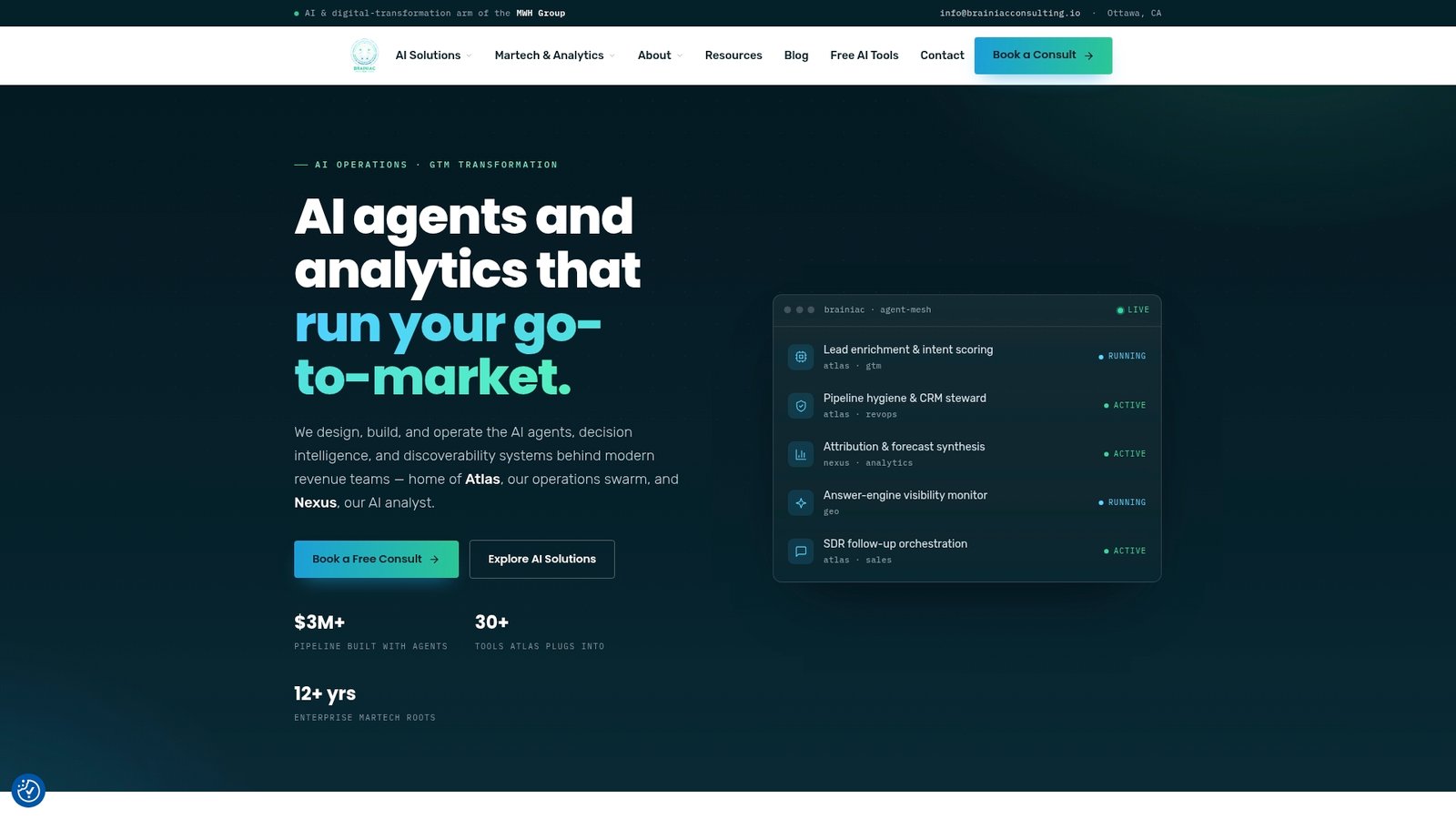
We build with deep integration experience across Salesforce, HubSpot, and Marketo, and our Atlas and Nexus product lines give you the observability layer, logs, alerts, and owner assignment, that we covered earlier in this guide. If your current workflows are producing pipeline you can’t fully attribute, or your team is weighing whether to add agentic capability to an already crowded stack, our AI readiness assessment is the right place to start that conversation.
FAQ
How do you create a workflow in Zoho CRM?
In Zoho CRM, you build a workflow rule by selecting a module, defining the trigger (record creation, field update, or a specific date), setting conditions that scope which records qualify, and then attaching actions like email alerts, task creation, or field updates. The same trigger, condition, action structure described earlier in this guide applies regardless of which CRM you use.
What are the three types of CRM?
CRM platforms are generally grouped into operational (managing day-to-day sales, marketing, and service processes), analytical (focused on analyzing customer data for insights and segmentation), and collaborative (centred on sharing customer information across teams and channels). Most modern platforms blend elements of all three rather than fitting one category cleanly.
Is WhatsApp a CRM tool?
WhatsApp itself is a messaging app, not a CRM, but it is commonly connected to a CRM as a channel for automated follow-up, notifications, or conversational routing, similar to how a chatbot often serves as a trigger point inside a broader automation workflow. The actual lead tracking, scoring, and pipeline management still happen inside the CRM itself.
What is automation in CRM?
Automation in CRM means using predefined rules to trigger actions, like sending an email, assigning a lead, or updating a record, without a person manually performing that step each time. The goal is to remove repetitive manual work from sales and marketing processes while keeping response times fast and consistent.